

16 Websites Every Teacher Should Know in 2026
Teaching technology has changed dramatically over the past several years.
The challenge is no longer finding educational websites. There are thousands of them. The real challenge is figuring out which ones are actually useful, which ones are still actively maintained, and which ones can save teachers time without adding another complicated platform to learn.
For the 2026–27 school year, we narrowed the field to 16 websites worth knowing. Some help students practice skills. Others help teachers create lessons, find reading materials, build worksheets, teach STEM concepts, or make classroom activities more engaging.
Many are completely free. Others use a freemium model with useful features available at no cost.
Quick List: The 16 Best Websites for Teachers in 2026
| Website | Best For | Cost |
|---|---|---|
| Khan Academy | Lessons, practice and differentiation | Free |
| CommonLit | ELA and reading | Free resources |
| ReadWorks | Reading comprehension | Free |
| Math-Aids.com | Printable math worksheets | Free |
| Prodigy | Game-based math and English practice | Free for teachers |
| PhET | Interactive science and math simulations | Free |
| NASA Learning Resources | STEM lessons and activities | Free |
| Smithsonian Learning Lab | Primary sources and multimedia | Free |
| Code.org | Coding, computer science and AI literacy | Free |
| TypingClub | Keyboarding practice | Free |
| Canva Education | Classroom design and presentations | Free for eligible K–12 educators |
| Google Classroom | Class and assignment management | Free with qualifying education accounts |
| Wayground | Quizzes and interactive activities | Free tier |
| Blooket | Classroom review games | Free tier |
| Nearpod | Interactive lessons and assessments | Free tier |
| Freerice | Vocabulary and knowledge practice with a cause | Free |
1. Khan Academy
Best for: Math, science, ELA, test prep and independent practice
Website: Khan Academy
Khan Academy remains one of the strongest all-around educational resources available to teachers. Its free library includes instructional videos, articles, exercises and courses across math, grammar, science, social studies, test preparation, financial literacy and other subjects.
For the 2026–27 school year, Khan Academy has also redesigned its classroom experience to make finding content, managing classes and assigning work easier. Teachers can use it for whole-class instruction, homework, remediation, review, differentiation or independent learning.
Why teachers should bookmark it: It works just as well for filling a five-minute learning gap as it does for supporting an entire unit.
2. CommonLit
Best for: Grades 3–12 reading and language arts
Website: CommonLit
CommonLit gives teachers access to thousands of literature and informational texts along with classroom-ready digital and printable lesson materials.
Teachers can search by grade, theme, genre and skill, making it useful when you need a text that fits a specific lesson rather than trying to build an activity around whatever you happen to find.
Its free Target Lessons also focus on skills such as identifying main ideas, finding evidence, analyzing point of view, understanding text structure and determining theme.
Why teachers should bookmark it: You can go from "I need something for tomorrow's reading lesson" to a usable activity surprisingly quickly.
3. ReadWorks
Best for: K–12 reading comprehension and vocabulary
Website: ReadWorks
ReadWorks is a nonprofit offering thousands of free K–12 reading resources, including fiction and nonfiction texts, decodable texts, comprehension questions, vocabulary activities and Article-A-Day.
Resources can be used digitally or printed, and teachers can differentiate materials for students at different reading levels.
ReadWorks currently offers more than 6,000 texts and provides its teacher and student resources free of charge.
Why teachers should bookmark it: It is especially useful when you need high-quality reading practice without buying another curriculum subscription.
4. Math-Aids.com
Best for: Making printable math worksheets quickly
Website: Math-Aids.com
Sometimes a teacher does not need an app, game or elaborate digital lesson. You just need 25 good fraction problems.
Math-Aids.com dynamically generates printable worksheets covering everything from basic addition and multiplication to algebra, geometry, ratios, probability and word problems.
Teachers can customize many worksheets, download them as PDFs and receive answer keys. The site currently covers more than 90 math topics and is designed for kindergarten through high school.
Why teachers should bookmark it: It solves a very specific problem extremely well.
5. Prodigy
Best for: Game-based math and English practice
Website: Prodigy
Prodigy turns academic practice into a game experience that can be particularly useful for elementary and middle school students.
Its educational content is free for teachers and students, with standards-aligned math content for grades 1–8 and English content for grades 1–6. Teachers can also use reporting tools to see where students may need additional practice.
Why teachers should bookmark it: Students may see a game while the teacher sees additional skill practice.
6. PhET Interactive Simulations
Best for: Science and math demonstrations
Website: PhET Interactive Simulations
Developed by the University of Colorado Boulder, PhET provides free interactive simulations covering physics, chemistry, biology, earth and space science, mathematics and statistics.
Instead of simply explaining an abstract concept, teachers can let students manipulate variables and observe what happens.
PhET currently offers more than 160 interactive simulations along with teacher resources and thousands of teacher-submitted activities.
Why teachers should bookmark it: It can make concepts that are difficult to demonstrate in a normal classroom much easier to visualize.
7. NASA Learning Resources
Best for: Real-world STEM lessons
Website: NASA Learning Resources
NASA's education resources go far beyond pictures of planets.
Teachers can search STEM resources by grade level, subject and resource type, including hands-on activities, lesson plans, educator guides, videos, interactive multimedia and data sets.
Current K–12 collections include aeronautics, Earth science, the Moon, climate, the solar system, technology and NASA's Artemis missions.
Why teachers should bookmark it: Students are working with science connected to actual missions and research instead of hypothetical examples.
8. Smithsonian Learning Lab
Best for: History, art, science and primary-source learning
Website: Smithsonian Learning Lab
The Smithsonian Learning Lab opens the Smithsonian's enormous collection of digital resources to classrooms.
Teachers can search millions of images, recordings, texts and videos and explore collections created by Smithsonian educators and other teachers.
You can also combine resources into your own collections, add notes or discussion questions and share them with students.
Why teachers should bookmark it: It can bring museum-quality primary sources into a classroom anywhere in the country.
9. Code.org
Best for: Coding, computer science and AI literacy
Website: Code.org
Computer science education has expanded far beyond simply teaching students how to code.
Code.org now provides free K–12 curricula covering programming, computer science, artificial intelligence, data and digital literacy.
For 2026–27, its offerings include new AI-focused courses alongside established computer science programs. Teachers can find complete courses, individual lessons, slide decks, activities, assessments and self-paced professional learning.
Why teachers should bookmark it: You do not need to be a computer science teacher to introduce students to coding or AI concepts.
10. TypingClub
Best for: Keyboarding skills
Website: TypingClub
Typing may not generate as much excitement as AI or virtual simulations, but it is still one of the most practical technology skills students can develop.
TypingClub provides progressive, interactive typing lessons that students can complete in short sessions.
The core program remains free for individuals and schools, with an optional paid school edition available.
Why teachers should bookmark it: A few minutes of consistent practice can fit easily into technology time, centers or independent work.
11. Canva Education
Best for: Presentations, worksheets, posters, classroom graphics and student projects
Website: Canva for Education
Canva has become much more than a social media design program.
Teachers can use Canva Education to create presentations, worksheets, posters, infographics, lesson plans, classroom materials and interactive activities. Students can also create projects and collaborate within the platform.
Canva Education is currently free for verified K–12 teachers and their students and includes many premium Canva features plus education-specific templates and integrations.
Why teachers should bookmark it: It can replace several separate classroom design and presentation tools.
12. Google Classroom
Best for: Organizing classes, assignments and student work
Website: Google Classroom
For schools already using Google Workspace, Classroom can serve as the central hub connecting assignments, materials, grades and communication.
Teachers can create coursework, distribute materials, grade assignments, build rubrics, provide feedback and integrate numerous educational apps.
Google Workspace for Education Fundamentals remains available without charge to qualifying institutions, while additional Classroom capabilities are offered through paid editions.
Why teachers should bookmark it: It helps organize many of the other digital resources on this list in one place.
13. Wayground
Best for: Quizzes, lessons and interactive review
Website: Wayground
If the name is unfamiliar, teachers who previously used Quizizz will recognize the platform.
Wayground allows educators to create interactive quizzes, lessons, flashcards, videos, passages and other activities.
Its Starter plan is free and includes common question types such as multiple choice, fill-in-the-blank questions and polls.
Why teachers should bookmark it: It makes quick formative assessment much more engaging than another paper quiz.
14. Blooket
Best for: Fast-paced classroom review games
Website: Blooket
Blooket takes question sets and turns them into different classroom games.
Teachers can create their own questions or use existing sets and then host games that students join from their devices.
Blooket's essential features remain free, including unlimited question sets and games with up to 60 participants under its standard free offering.
Why teachers should bookmark it: It works especially well when review needs a little more energy.
15. Nearpod
Best for: Turning lessons into interactive experiences
Website: Nearpod
Nearpod helps teachers turn presentations and lessons into interactive classroom experiences.
Instead of students only watching slides, teachers can incorporate activities, questions, polls and formative assessments throughout a lesson.
Teachers can sign up for a free account, while schools and educators needing additional content, storage and features can move into paid options.
Why teachers should bookmark it: It gives teachers more opportunities to see whether students actually understand the lesson while it is happening.
16. Freerice
Best for: Quick knowledge practice with a charitable connection
Website: Freerice
Freerice combines short educational questions with support for the United Nations World Food Programme.
Users answer questions across different subjects and sponsors generate financial contributions to WFP based on participation.
According to Freerice, money generated through the program goes to the World Food Programme's areas of greatest need.
Why teachers should bookmark it: It turns a few spare minutes of vocabulary or knowledge practice into an opportunity to discuss global issues and charitable action as well.
A Quick Reminder Before Adding Another Classroom App
A useful educational website should make teaching easier, not simply give students another username and password.
Before introducing a new platform, consider:
-
What problem does it solve?
-
Will students use it more than once?
-
Can it replace something you are already doing rather than add another task?
-
Does your school or district approve the platform for student use?
-
Can the material also be printed or used offline when necessary?
Sometimes the best classroom solution is highly interactive and digital.
Sometimes it is still a well-designed worksheet and a pencil.
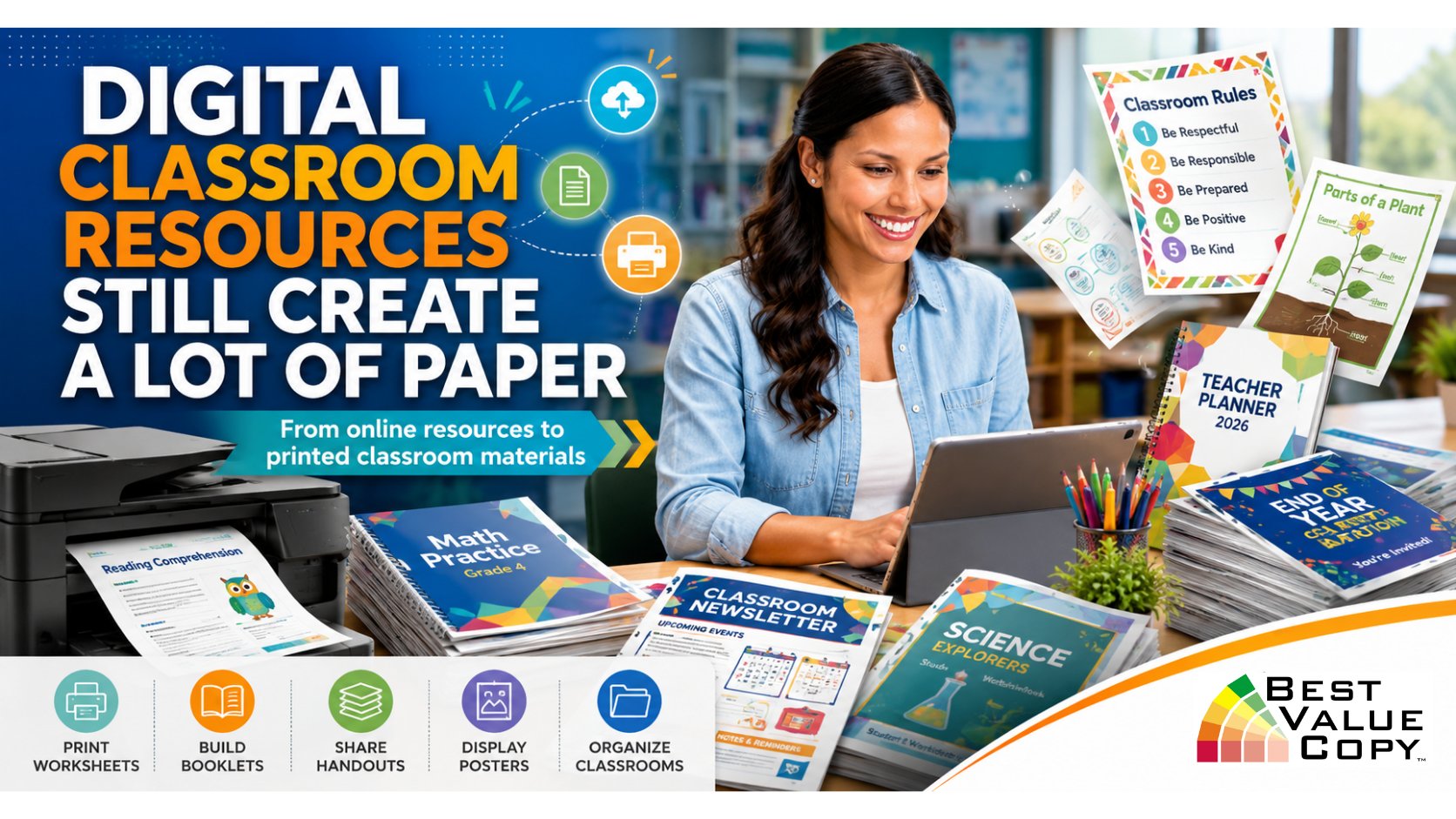
Digital Classroom Resources Still Create a Lot of Paper
One interesting thing about many of the websites on this list is how frequently digital resources eventually become physical classroom materials.
Teachers create worksheets in Canva. ReadWorks provides materials that can be printed. Math-Aids generates PDFs. Code.org lessons include activity guides. NASA and Smithsonian resources can become project materials. Teachers build study guides, packets, workbooks and handouts from resources gathered across multiple websites.
That is where professional printing can become useful.
Best Value Copy provides online printing for schools, teachers, educational programs and organizations, including:
-
Classroom handouts and worksheets
-
Student workbooks
-
Training manuals
-
Booklets
-
Newsletters
-
Flyers
-
Posters
-
Calendars
-
Presentation folders
-
Color and black-and-white copies
-
Custom printed educational materials
Best Value Copy offers no minimum order and no setup fee for its copying services, along with multiple paper, binding and finishing options for projects ranging from a small classroom packet to a much larger school order.
The internet gives teachers more classroom resources than ever before. The trick is finding the few that genuinely make teaching easier.
Bookmark the ones that fit your classroom, ignore the ones that do not, and remember that good teaching does not have to be completely digital to be modern.
When your digital classroom materials are ready to become real classroom materials, explore online printing options at Best Value Copy.